Print-Ready Artwork Checker
Is your logo sharp enough for the size you want to print? Check its vector content and image resolution before sending it to your printer.
Artwork & print size
Or drop your file here.
Your artwork stays on your device.
Browser check limits
PNG, JPG or PDF (15 MB) · SVG (3 MB)
Artwork report
Choose artwork to see your file’s report.
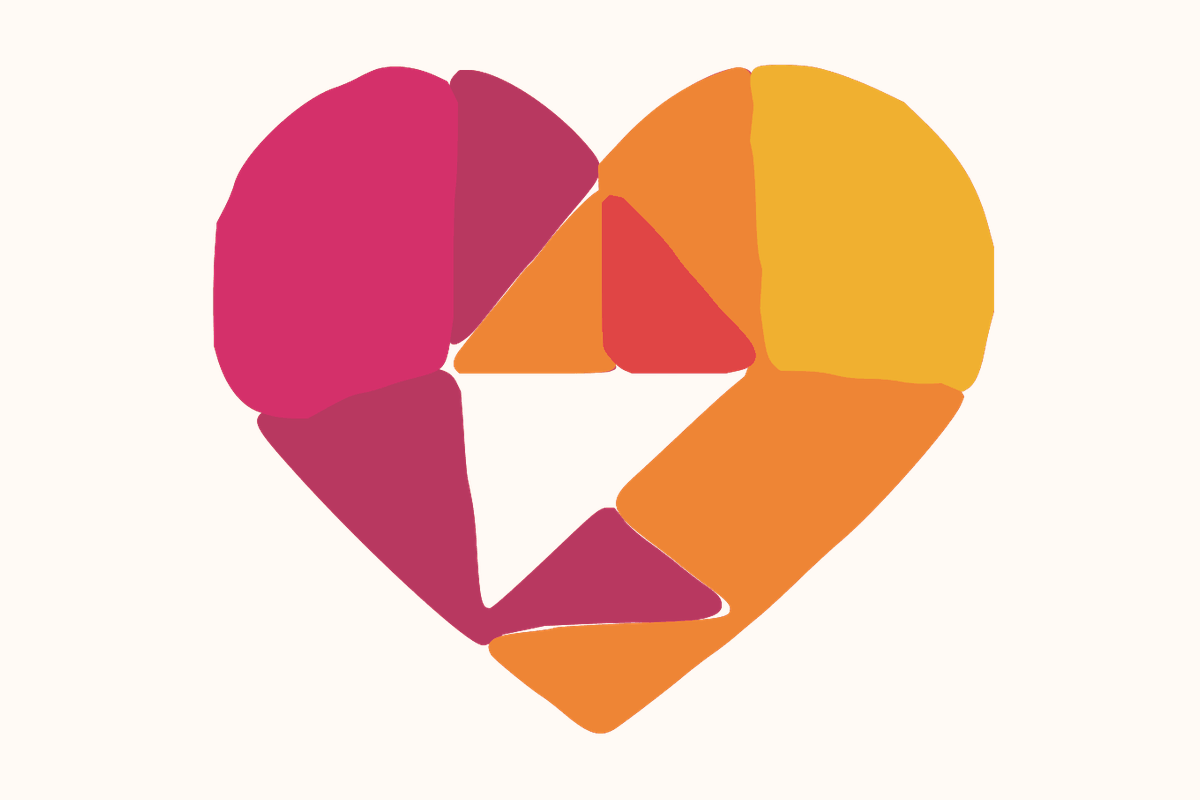 One logo, two print sizesThe same 1,200-pixel PNG


Both details use the same magnification. Printing three times wider makes each pixel three times wider.
Understanding your artwork check
Is my PDF or SVG really vector?
Either format can contain scalable paths, text, embedded pixel images, or a mixture. The checker reads the drawing instructions. A JPEG saved inside a PDF still has the resolution of the original JPEG. For a multi-page PDF, check each page you intend to print.
How many pixels do I need for a shirt print?
Multiply the finished width in inches by your printer’s requested PPI. At 300 PPI, a 4-inch left-chest logo needs 1,200 pixels across. A 12-inch full-front print needs 3,600. Ask your printer which target they use for your process and material.
What does effective PPI mean?
Pixels per inch (PPI) describes image detail at the final print size. For a PDF, enter the finished width of the entire page, including margins. The checker measures supported images at their placed sizes and reports the lowest measured resolution.
What else should my printer check?
Your printer can confirm separations, ink colors, minimum line widths, bleed, font handling and the final proof. Upscaling a blurry source or changing its DPI metadata cannot recover missing detail.
Need help rebuilding a logo? See our vector redraw service and examples.